Music toy guide
Virtual Piano Tips: Keys, Sliders and Two Modes Tested
Key takeaways
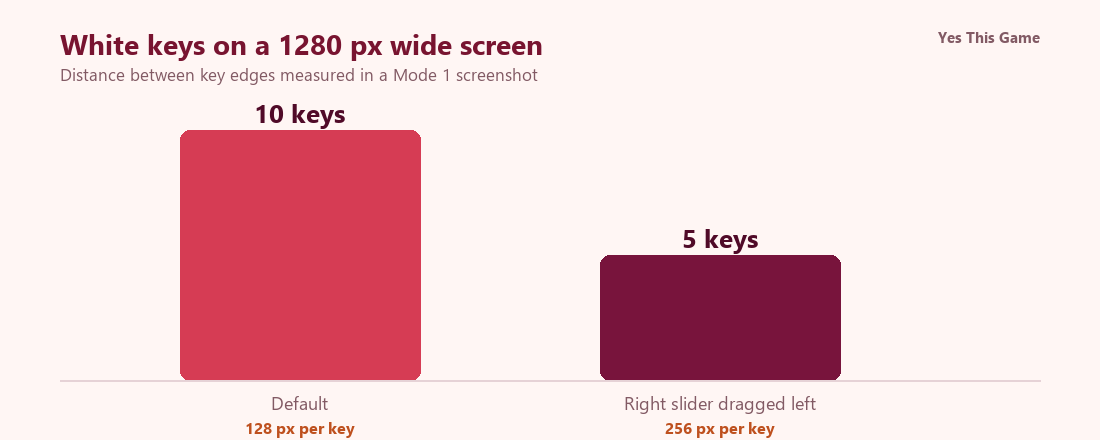
- At the default size the keyboard shows 10 white keys across a 1280 px screen, 128 px per key.
- Dragging the right slider to the left doubled the key width to 256 px, so 5 keys fit.
- The left slider moved the keyboard sideways without changing the key width.
- Mode 2 has a red panel with an infinity button and three wave buttons; the pressed one turns pink.
The first virtual piano tip is to use the slider: in Keybloom ten white keys fit a 1280 pixel screen by default, and dragging the right slider to the left made each key twice as wide, 256 instead of 128 pixels. Keybloom is a music toy with two modes, so how the keys look and where they sit is most of what you can change.
How the toy works
Keybloom has a start screen with two bars, Mode 1 and Mode 2. After you pick one, a keyboard fills the screen below a bar of controls. There is no score and no timer. You click or tap the keys to play them.
What we measured
We opened Keybloom in a test browser at 1280 by 800 pixels, played with the controls in Mode 1 and read the key edges in the screenshots.
| What we did | Result |
|---|---|
| Default view | 10 white keys, 128 px each |
| Right slider dragged to the left | 5 white keys, 256 px each |
| Left slider dragged to the right | keys stayed 256 px; the keyboard moved sideways |
One run in one test browser; key widths measured from the vertical lines between the white keys.
The two modes
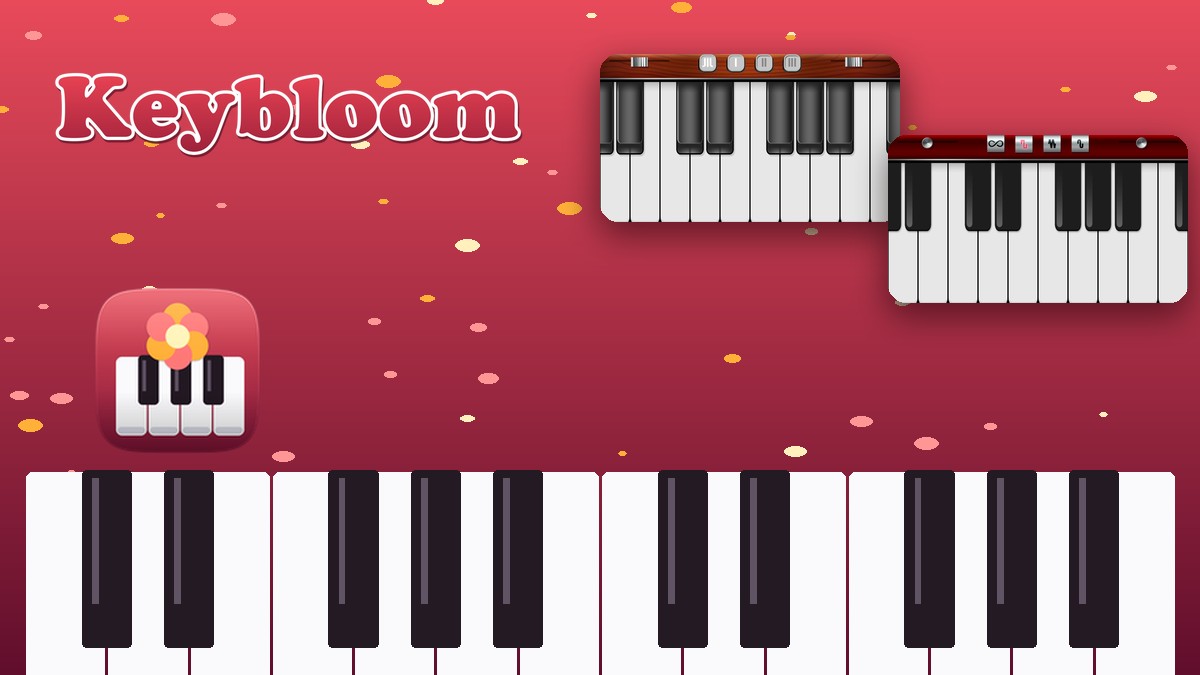
Mode 1 has a wooden-looking panel with a loop-style button and three numbered buttons, I, II and III. Mode 2 has a red panel with an infinity button and three buttons drawn with wave shapes. In Mode 2 we pressed each button in turn and the one we pressed lit up pink. Both modes have the two sliders in the bar.
4 tips that follow from the numbers
- Widen the keys first. The right slider doubled the key width from 128 to 256 pixels.
- Use the left slider to travel. It moves the keyboard sideways without changing key size.
- Try both panels. Mode 2 shows which button is active by turning it pink.
- Play with the mouse or a finger. We found no keyboard shortcuts.
Where to try it
Try it yourself in Keybloom. For something to watch while you play, Digsmith is an idle digging game.
Frequently asked questions
How many keys does Keybloom show at once?
Ten white keys across a 1280 pixel wide screen at the default size, 128 pixels per key.
What does the right slider do?
Dragged to the left, it made each key 256 pixels wide in our test, so five keys fit on the screen.
What does the left slider do?
It moved the keyboard sideways; the key width stayed at 256 pixels after our right-slider test.
What is the difference between the two modes?
Mode 1 has a wooden-looking panel with buttons I, II and III; Mode 2 has a red panel with an infinity button and three wave-shaped buttons.
Can I play with the computer keyboard?
No keyboard shortcuts were found; the keys are played with the mouse or by touch.
Does Keybloom work on a phone?
See the game page: we only claim what we tested on a phone-sized screen.