Simulation guide
Plane Landing Game Tips: Flare at 30 to 60 Feet
Key takeaways
- A flare started at 40 feet touched down at 264 feet per minute; at 10 feet the same approach hit at 715.
- Every flare started between 30 and 60 feet earned three stars; at 20 feet it earned two (478 feet per minute).
- A faster approach stopped further down the runway: 1,414 metres past the threshold at 130 knots, 1,946 at 160.
- With the auto-brake off and no braking the aircraft ran off the far end; holding the brakes stopped it 478 metres earlier than the auto-brake.
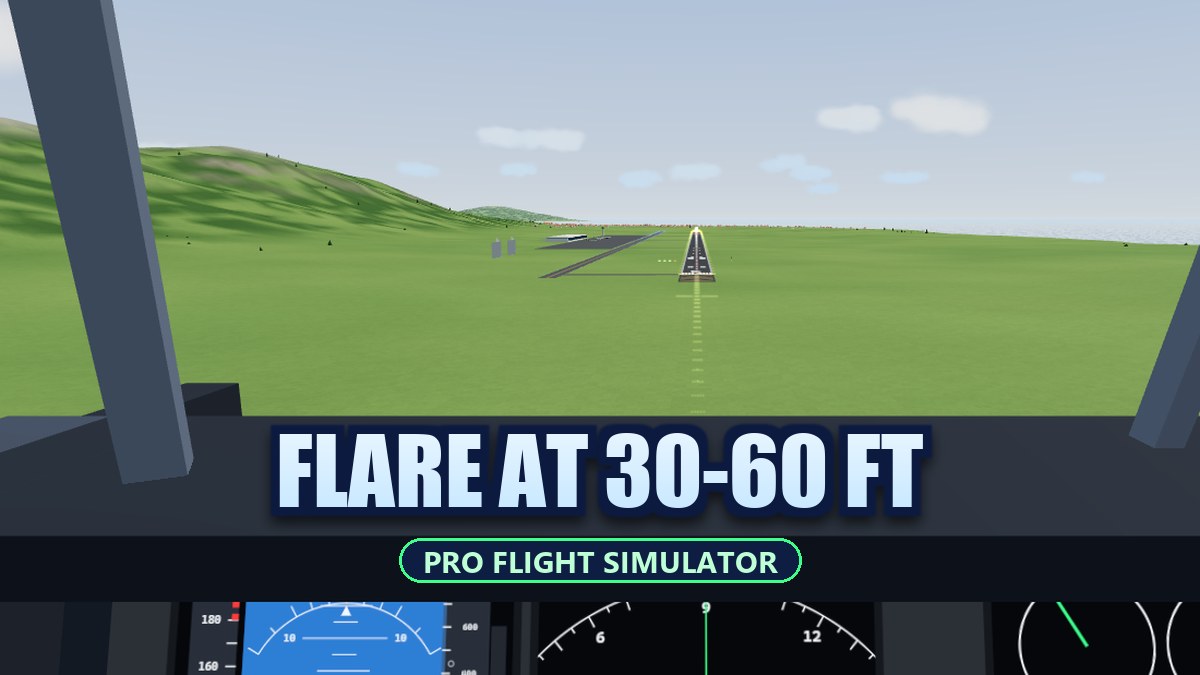
The most useful plane landing game tip is to start the flare between 30 and 60 feet above the runway: in Pro Flight Simulator Offline, a flare at 40 feet touched down at 264 feet per minute, while the same approach flared at 10 feet hit the runway at 715. Waiting until 20 feet still worked, but at 478 feet per minute it earned two stars instead of three.
How landing works in the game
Pro Flight Simulator Offline is our own airliner game: a twin-engine aircraft of about 64 tonnes, a runway of 3,200 metres on an island, and five flights including a midday landing, a crosswind landing at dusk and a night approach. The controls work like a modern airliner’s, made friendly for a keyboard: with the stick centred the aircraft holds its flight path and rolls its wings level, pulling back asks for a climb, and below 40 feet the keys move the nose directly for the flare. A landing earns up to three stars from the touchdown rate, where you touched down, how close to the centre line, and whether you stopped on the runway.
What we measured
A script flew 12 landings and 6 take-offs with the game’s own flight model and star rules, in calm air. Every landing started 4 km out on a 3-degree path with full flaps; the script held the path and the speed, brought the throttle to idle when the flare began, then eased the nose up so that the sink rate shrank in a straight line from the flare height to the wheels. The model has no random part, so one run per setting is enough.
| Flare starts at | Touchdown rate (ft/min) | Past the threshold | Stars |
|---|---|---|---|
| 10 ft | 715 | 320 m | ★ |
| 20 ft | 478 | 331 m | ★★ |
| 30 ft | 291 | 713 m | ★★★ |
| 40 ft | 264 | 602 m | ★★★ |
| 60 ft | 75 | 617 m | ★★★ |
From 30 to 60 feet every landing earned three stars, touching down between 602 and 713 metres past the threshold, inside the 900-metre limit. A flare at 10 feet had no time to work: the wheels met the runway almost at the approach sink rate.
How fast to fly the approach
| Approach speed | Touchdown point | Speed at touchdown | Stopped at |
|---|---|---|---|
| 130 kt | 351 m | 126 kt | 1,414 m |
| 140 kt | 713 m | 124 kt | 1,715 m |
| 150 kt | 732 m | 132 kt | 1,848 m |
| 160 kt | 672 m | 142 kt | 1,946 m |
All four earned three stars, but a faster approach pushed the stopping point further: 532 metres between 130 and 160 knots. The red stall band on the speed tape starts near 120 knots with full flaps, so 130 to 140 leaves a margin and keeps the roll short. With full flaps the autothrust holds 140 knots by itself.
Stopping on the runway
Spoilers rise by themselves when the wheels touch with the throttle at idle. After that, three ways to stop gave three results: the auto-brake stopped the aircraft 1,715 metres past the threshold, holding the brakes (B) stopped it at 1,237 metres, and with neither the aircraft rolled off the far end of the runway, which ends the flight. The auto-brake is on by default and can be switched off in Settings.
And the take-off
| Pull at | Lift-off after | Runway used | Tail strike |
|---|---|---|---|
| 110 kt | 32.1 s | 1,156 m | no |
| 120 kt | 31.7 s | 1,129 m | no |
| 130 kt | 32.2 s | 1,166 m | no |
| 140 kt | 34 s | 1,304 m | no |
| 150 kt | 36 s | 1,460 m | no |
| 140 kt (half pull) | 35.6 s | 1,434 m | no |
On the ground the nose stops at 10 degrees, so no pull scraped the tail, not even a full one at 110 knots: the aircraft simply waited for enough speed and flew off after 32.1 seconds. Pulling later used a little more runway (1,460 metres at 150 knots), which on 3,200 metres is not a problem. Once airborne the aircraft keeps climbing with the keys let go.
5 tips that follow from the numbers
- Flare at 30 to 60 feet. The height callouts (50, 40, 30) and the hint at the top tell you when.
- Idle the throttle as you flare. The script did; with the autothrust on, it goes to idle by itself at 30 feet, and the spoilers only rise with the throttle at idle.
- Fly about 140 knots on the approach. Faster floats and stops later.
- Leave the auto-brake on, or hold B after touchdown.
- Lift the nose at about 130 knots on take-off, then let go: it keeps climbing.
Where to try it
Play Pro Flight Simulator Offline in your browser. For a different kind of flying, Coralwing is a sci-fi flight game, and Cappadocia Balloon lets you steer a hot-air balloon with the wind.
Frequently asked questions
When should I flare when landing a plane in a flight simulator?
In Pro Flight Simulator Offline, at 30 to 60 feet above the runway. Our scripted landings touched down at 75 to 291 feet per minute from that window, which earns three stars.
What is a good touchdown rate?
In this game, 300 feet per minute or less is needed for three stars, and up to 600 still counts for two. Above about 1,000 the landing ends the flight.
What speed should I fly the approach at?
About 140 knots with full flaps. Slower is possible, but 160 knots floated further and stopped 231 metres later.
When should I lift the nose on take-off?
Around 130 knots: hold W until the wheels leave the runway, then let go and the aircraft keeps climbing. The nose stops at 10 degrees on the ground, so even an early pull cannot scrape the tail.
Did a person fly these landings?
No. A script flew them with the game’s own flight model and star rules, in calm air. There is no randomness, so the same inputs always give the same numbers.