Sports guide
Rugby Running Game Tips: Every Run Ended Within 20 Seconds
Key takeaways
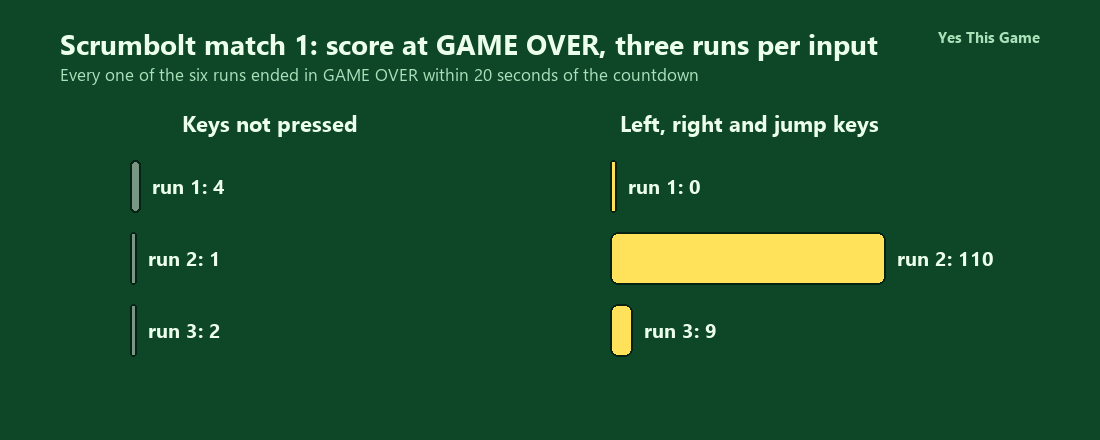
- All six runs ended in GAME OVER within 20 seconds of the countdown.
- With no keys pressed, three runs scored 4, 1 and 2.
- With left, right and Space presses, three runs scored 0, 110 and 9.
- The match screen has eleven matches and only the first is open at the start.
The first rugby running game tip is to expect short runs: in Scrumbolt all six of our test runs ended in GAME OVER within 20 seconds of the countdown. With no keys pressed we scored 4, 1 and 2; with the arrow keys and Space we scored 0, 110 and 9.
How the game works
Scrumbolt is a rugby running game with a 3D look. After the play button you pick a team on the SELECT YOUR TEAM screen, choose a match on the SELECT A MATCH screen, read a hint with the arrow keys and Space, and wait for a three-two-one countdown. You see the runner from behind on a stadium pitch, with a SCORE counter at the top left. A defender in front ends the run.
What we measured
We played MATCH 1 in a test browser at 1280 by 800 pixels with software rendering. In each run we started the countdown with Space and then either pressed no keys or alternated the left and right arrows every third of a second with a Space jump now and then. We looked at the screen at 10, 20 and 32 seconds after the start. We made three runs for each input.
| Input | Run 1 | Run 2 | Run 3 |
|---|---|---|---|
| No keys pressed | 4 | 1 | 2 |
| Left, right and Space | 0 | 110 | 9 |
Three runs per input in one test browser with slow software rendering, so this shows what we saw, not a rule. Only one run with keys got far, and our key presses were not aimed at the defenders. Every one of the six runs was over by the 20-second look.
What the screens show
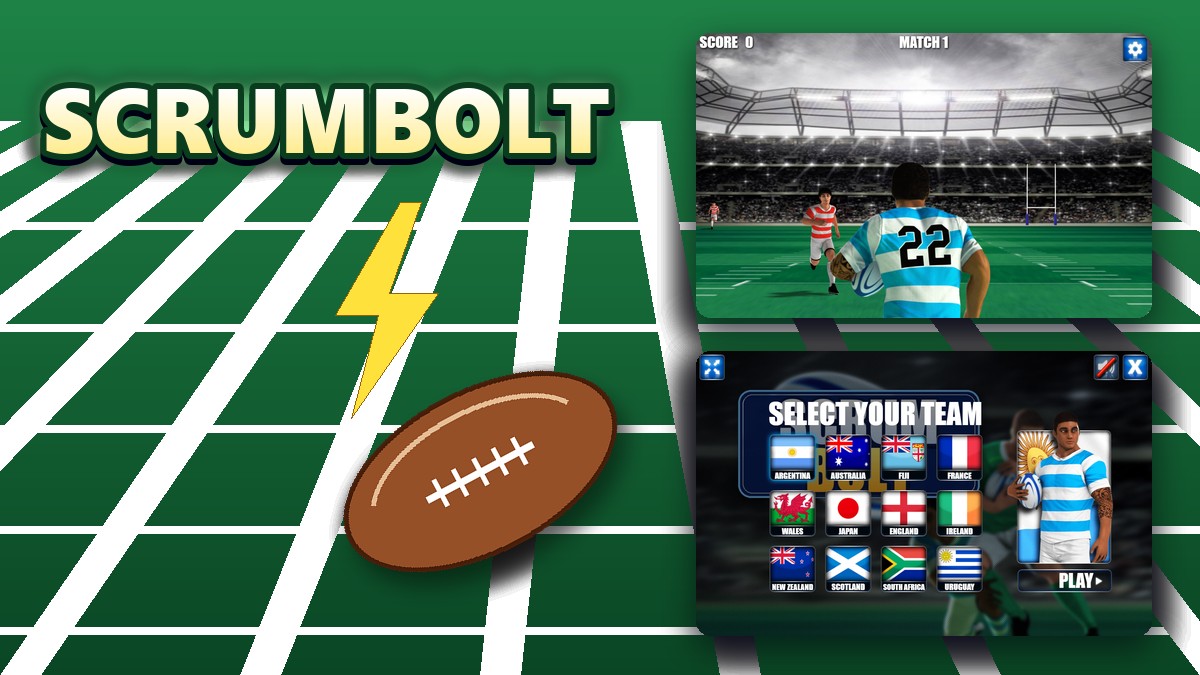
The team screen has twelve flag buttons and a player in the chosen kit. The match screen has eleven match buttons, and every match but the first starts with a padlock. During a match the camera sits behind the runner, with a gear button at the top right.
4 tips that follow from the numbers
- Expect short runs. All six runs were over within 20 seconds.
- Do not stand still. With no keys the scores were only 1 to 4.
- Use the arrow keys early. One of our three runs with keys reached 110.
- Press Space for the countdown. The hint screen waits for a key before it starts.
Where to try it
Try it yourself in Scrumbolt. For another ball game with quick rounds, Discstrike plays finger soccer on a small pitch.
Frequently asked questions
How do you control the player in Scrumbolt?
Steer with the left and right arrow keys and press Space to jump.
How long did our runs last?
All six ended in GAME OVER within 20 seconds of the countdown.
What did we score with no keys pressed?
4, 1 and 2 in three runs.
What did we score with keys?
0, 110 and 9 in three runs; only one run got far.
How many matches are there?
Eleven, with only the first open at the start.
Does Scrumbolt work on a phone?
It has on-screen arrows for touch, but we tested it with the keyboard.