Racing guide
Highway Racing Game Tips: The Up Arrow Did Not Speed Us Up
Key takeaways
- The speed readout stayed at 20 km/h for the first 18 seconds in all six runs.
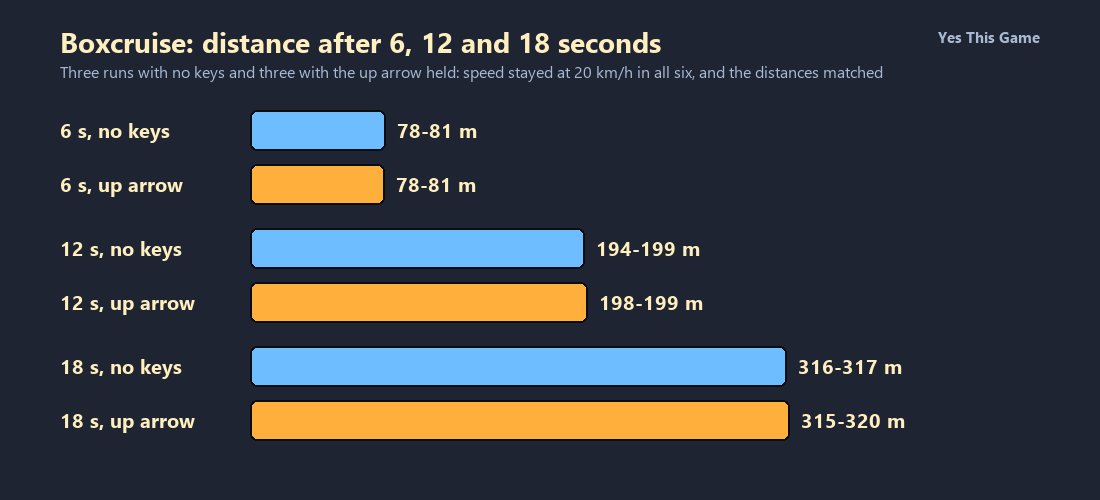
- Holding the up arrow gave the same distances as pressing no keys: about 80 m at 6 s, 198 m at 12 s and 317 m at 18 s.
- The score read 5, 10 and 16 at 6, 12 and 18 seconds.
- In one longer run the speed rose to 36 and 45 km/h, the score gained a multiplier and a bus ended the run at about 1.1 km.
The first highway racing game tip is to be patient with the speed: in Boxcruise the readout stayed at 20 km/h for the first 18 seconds in all six of our runs, whether we pressed no keys or held the up arrow. The distances matched too, at about 80 m, 198 m and 317 m.
How the game works
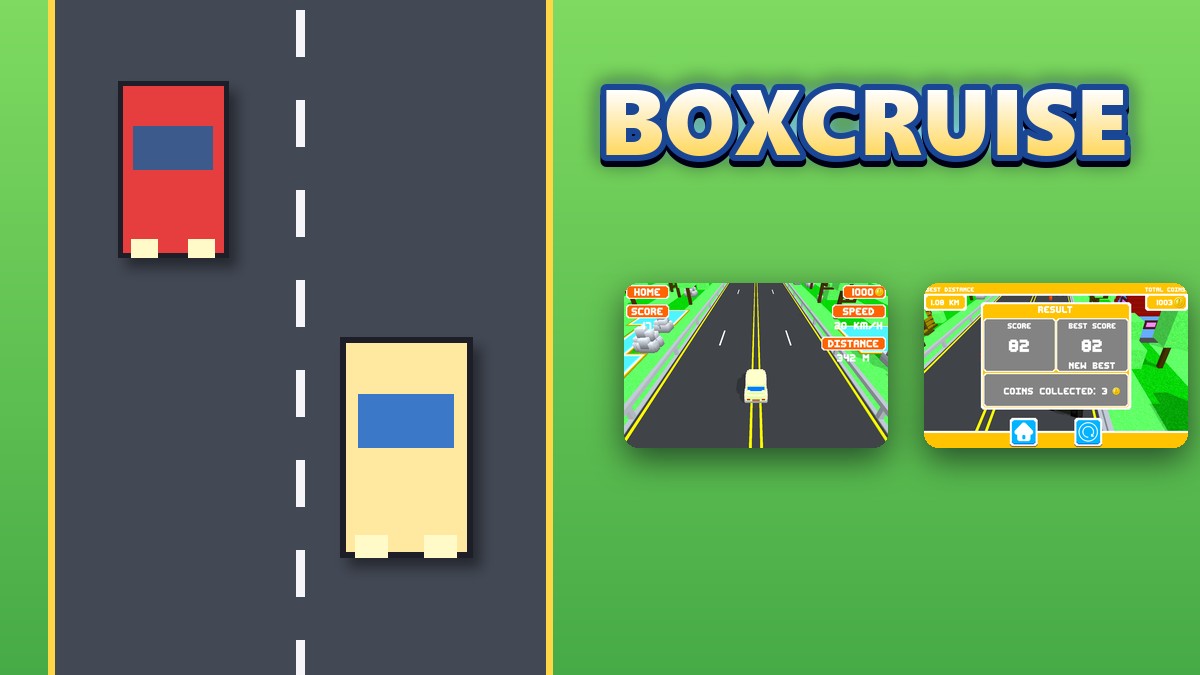
Boxcruise is a 3D highway racing game built from blocky cars. The start screen has a sound, a music and a car button and a PLAY button, with the best score and total coins at the top. PLAY leads to a landscape choice, where one card is open and two are locked at 500 and 1000 coins, and then to a mode choice: One Way, Two Way or Free Ride. On the road the car drives itself, and the screen shows HOME, SCORE, SPEED and DISTANCE and your coin count.
What we measured
We played One Way in a test browser at 1280 by 800 pixels with software rendering, which makes the game run slowly. In each run we pressed PLAY, picked the open landscape and One Way, and then either pressed no keys or held the up arrow. We read the screen at 6, 12 and 18 seconds after the start. We made three runs for each input.
| Time | Speed | Distance, no keys | Distance, up arrow | Score |
|---|---|---|---|---|
| 6 s | 20 km/h | 80, 80, 81 m | 80, 78, 79 m | 5 |
| 12 s | 20 km/h | 199, 199, 194 m | 199, 199, 198 m | 10 |
| 18 s | 20 km/h | 316, 316, 317 m | 319, 320, 315 m | 16 |
Six runs in one test browser with slow software rendering, so the times are approximate. In none of them did we hit another vehicle in the first 18 seconds. We did not test the left and right arrows in a controlled way.
One longer run behaved differently: after about 30 seconds the readout showed 36 and then 45 km/h, a multiplier appeared next to the score, and a bus ended the run at about 1.1 kilometers with a score of 82 and 3 coins collected. That is a single run, so treat it as a hint.
What the screens show
The result screen after a crash lists Score, Best Score with a New Best label and Coins Collected, with a home button and a replay button. The scenery cards and the three mode buttons come before the road.
4 tips that follow from the numbers
- Do not expect the up arrow to help. The speed stayed at 20 km/h either way.
- Give it time. The speed only rose later, in the one longer run.
- Watch for traffic ahead. A bus ended our longer run.
- Check the cards before you play. The two locked landscapes cost 500 and 1000 coins.
Where to try it
Try it yourself in Boxcruise. For a highway game with lanes to weave through, Laneweave puts you in a sports car.
Frequently asked questions
How do you start in Boxcruise?
Press PLAY, pick the open landscape and then a mode such as One Way.
Does the up arrow change the speed?
Not in our runs: it read 20 km/h for the first 18 seconds with or without it.
How far did the car go?
About 80 m at 6 seconds, 198 m at 12 seconds and 317 m at 18 seconds.
What did the score do?
It read 5, 10 and 16 at those three times.
What do the locked landscapes cost?
500 and 1000 coins.
Does Boxcruise work on a phone?
It is made for a keyboard, so it plays best on a computer.