Puzzle guide
Chess Game Tips: Four Moves to Checkmate in Queenrook
Key takeaways
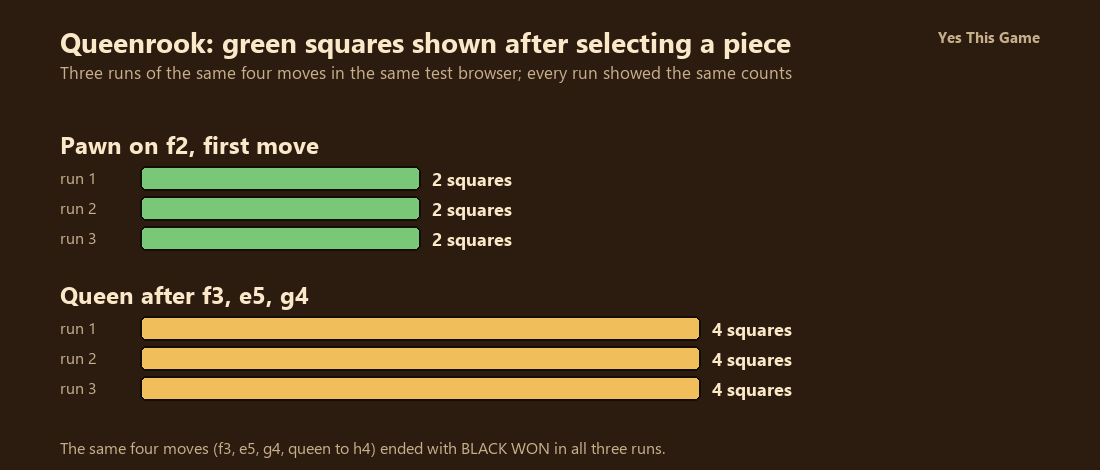
- Selecting the f-pawn on its first move outlined 2 green squares in all three runs.
- After 1. f3 e5 2. g4, selecting the black queen outlined 4 green squares in all three runs.
- The queen's move to h4 ended the game with BLACK WON and a Restart button in all three runs.
- The game is for two players on one screen; there is no computer opponent.
The first chess game tip is to read the green squares: in Queenrook a pawn on its first move showed 2 green squares and the queen showed 4 after three moves, the same in all three of our runs. Four moves later the game said BLACK WON.
How the game works
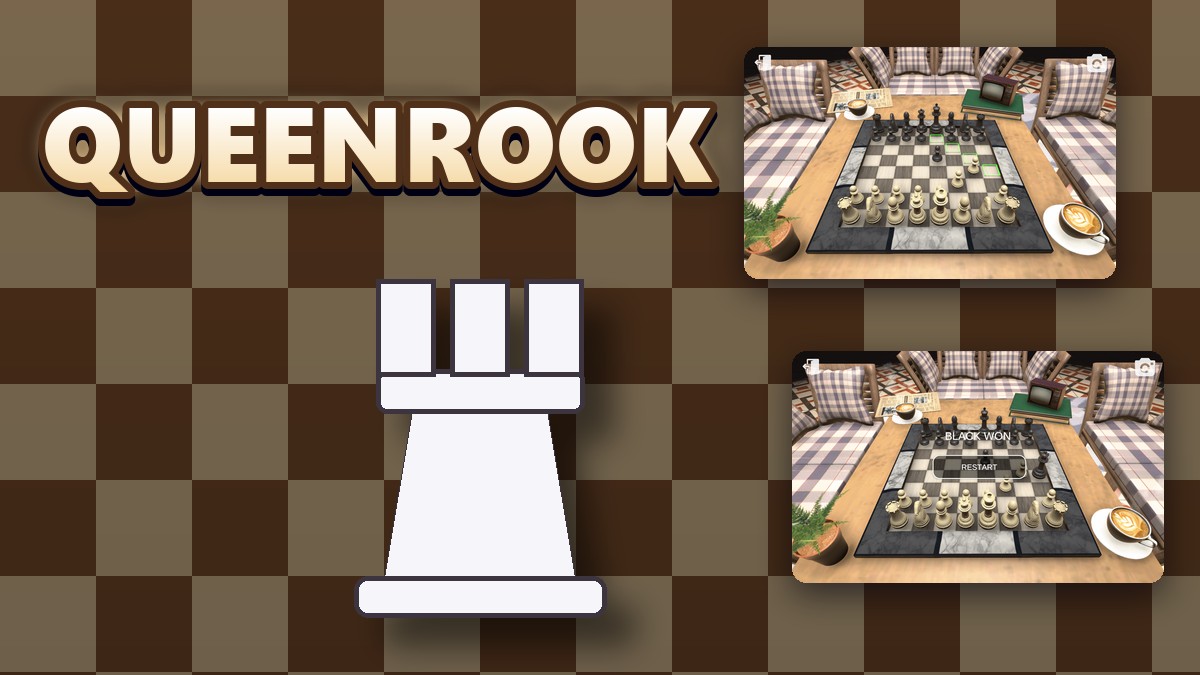
Queenrook is a 3D chess game for two players on one screen. The menu has a Two Player button and a Settings button. The board sits on a wooden table with a marble edge, with ivory and black pieces, an exit button at the top left and a camera button at the top right. You click a piece, and the squares it can reach are outlined in green.
What we measured
We played in a test browser at 1280 by 800 pixels with software rendering. In each run we pressed Two Player, moved the white f-pawn to f3, the black e-pawn to e5 and the white g-pawn to g4, and then selected the black queen and moved it to h4. We counted the green squares after selecting the f-pawn at the start and after selecting the queen. We made three runs.
| Piece | Run 1 | Run 2 | Run 3 |
|---|---|---|---|
| Pawn on f2, first move | 2 | 2 | 2 |
| Queen after f3, e5, g4 | 4 | 4 | 4 |
Three runs of the same moves in one test browser. We clicked the squares by screen position and counted the outlines in screenshots. We did not play a full game or test any other opening.
After the queen reached h4 the screen showed BLACK WON and a Restart button in all three runs.
What the scene offers
The camera button changes the view of the table, so you can look at the board from the side. The exit button at the top left leaves the board. There is no computer opponent: the second player is whoever sits next to you.
4 tips that follow from the numbers
- Click before you move. The green squares show the choices; a pawn showed two on its first move.
- Check the queen’s squares. After three moves it had four.
- Guard your king early. Four moves were enough to end the game in our runs.
- Bring a friend. The game has no computer opponent.
Where to try it
Try it yourself in Queenrook. For a board of a different kind, Pearlpath has you place balls on a path.
Frequently asked questions
How many players does Queenrook have?
Two, on the same screen, taking turns with the mouse.
How many squares did a pawn show on its first move?
Two green squares in all three runs.
How many squares did the queen show after three moves?
Four green squares in all three runs.
What happened after four moves?
The game said BLACK WON and showed a Restart button in all three runs.
Is there a computer opponent?
No. Two people play on the same screen.
Does Queenrook work on a phone?
It is made for a mouse, so it plays best on a computer.