Soccer guide
Free Kick Game Tips: 24 Straight Kicks, Zero Points
Key takeaways
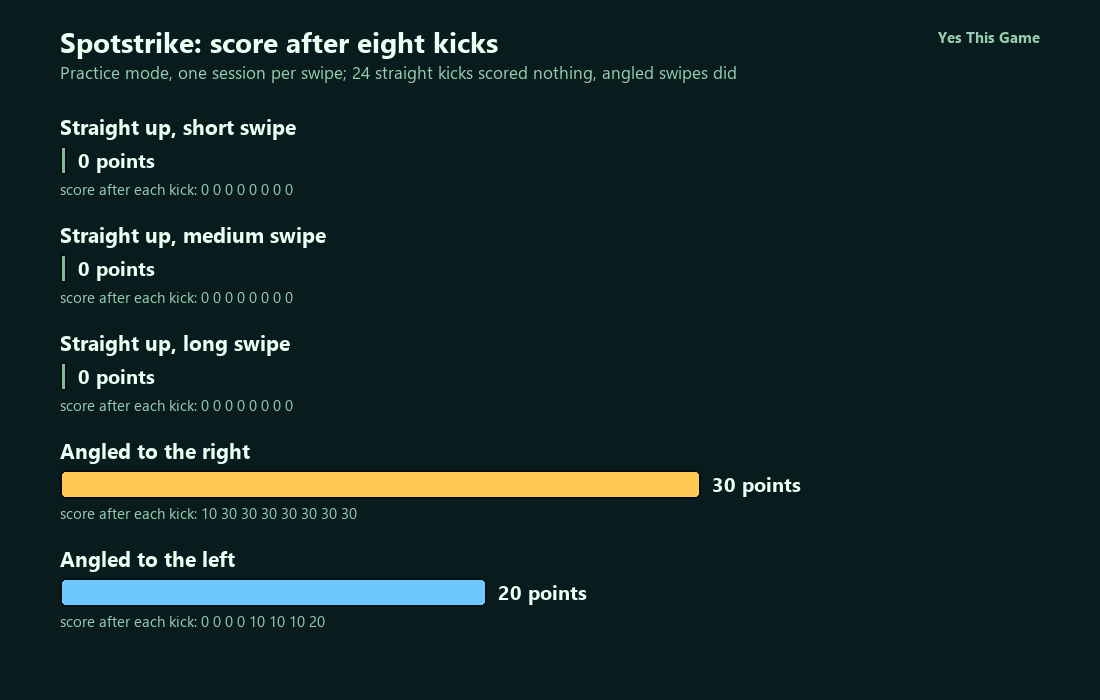
- None of our 24 straight-up swipes scored; the score stayed at 0 after eight kicks each at short, medium and long swipe lengths.
- Eight kicks with a sideways swipe to the right reached 30 points, and eight to the left reached 20.
- A goal pop-up showed +10 or +20 points.
- Each kick changed the wall and the goal position, so no two kicks looked alike.
The first free kick game tip is to stop swiping straight up the middle: in Spotstrike all 24 of our straight kicks scored nothing, while swipes with a sideways angle did score. We tried three swipe lengths and two angled swipes, eight kicks each.
How the game works
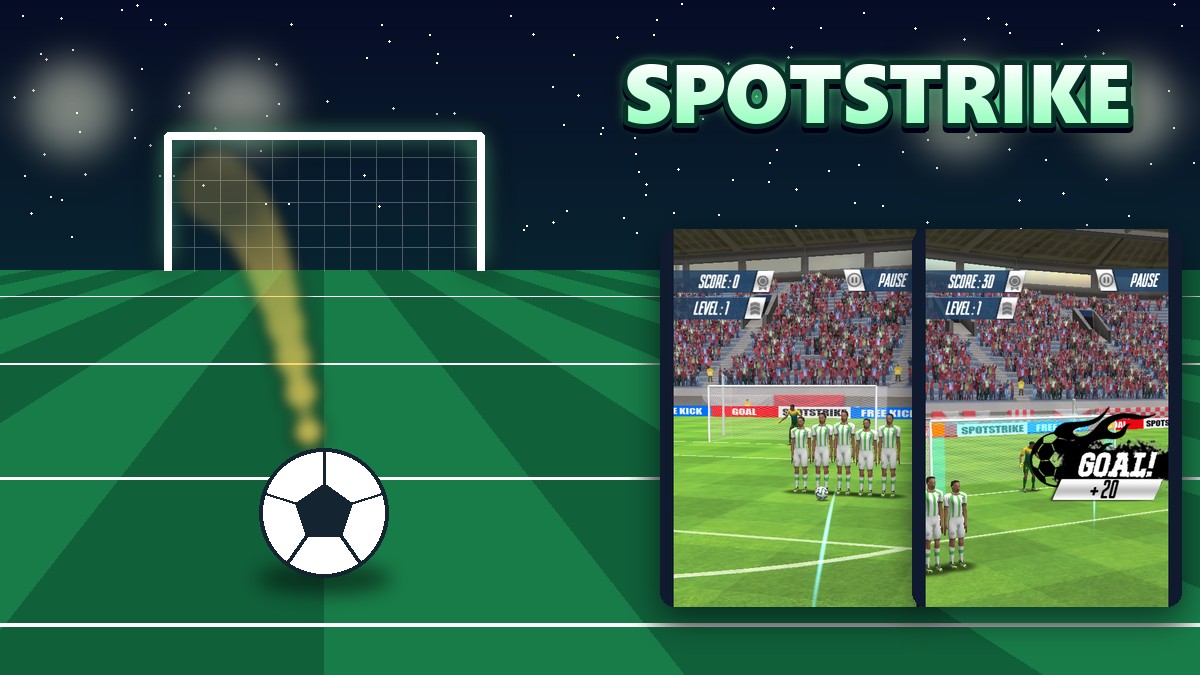
Spotstrike is a 3D soccer kick game. The start screen offers Tournament, 2 Players and Practice. In a kick screen the ball sits in front of a wall of five or six defenders, a goalkeeper waits in the goal, and the score and level are at the top left. You hold the mouse on the ball, drag toward the goal and let go. A goal shows GOAL! with the points it earned; a miss shows MISS!. After each kick the wall and the goal move to a new spot.
What we measured
We played Practice mode in a test browser at 1280 by 720 pixels with software rendering, which makes the game run slowly. A script held the mouse on the ball and dragged it upward in about a tenth of a second before letting go. For each swipe type we made eight kicks in one session and read the score after every kick. The straight swipes were 120, 170 and 230 pixels long; the angled swipes were 170 pixels up and 50 pixels sideways, once to the right and once to the left.
| Swipe | Final score | Score after each kick |
|---|---|---|
| Straight up, 120 px | 0 | 0, 0, 0, 0, 0, 0, 0, 0 |
| Straight up, 170 px | 0 | 0, 0, 0, 0, 0, 0, 0, 0 |
| Straight up, 230 px | 0 | 0, 0, 0, 0, 0, 0, 0, 0 |
| Angled right | 30 | 10, 30, 30, 30, 30, 30, 30, 30 |
| Angled left | 20 | 0, 0, 0, 0, 10, 10, 10, 20 |
One session of eight kicks per swipe type in one test browser with slow software rendering, so the numbers are approximate. The wall and goal changed after every kick, which alone could explain some of the difference between right and left. We cannot say from this that one side is better. The level stayed at 1 throughout.
What a goal is worth
A goal pop-up shows GOAL! and the points it earned. We saw +10 and +20 in our sessions; in the angled-right session the second kick moved the score from 10 to 30, which fits a +20 goal. We did not work out what decides the larger value.
The three modes
Practice is the plain kick screen. Tournament looked the same in our short tries, with a thin yellow bar along the top edge of the screen. In 2 Players mode two score boxes read Red Team and Blue Team, and the teams take turns on the same ball.
4 tips that follow from the numbers
- Skip the straight swipe. None of 24 scored.
- Add a sideways angle. Both angled sessions put points on the board.
- Do not read too much into one session. 30 against 20 over eight kicks is not a clear gap.
- Learn the angle in Practice. Then take it into 2 Players, where each turn counts.
Where to try it
Try it yourself in Spotstrike. For another soccer game, Discstrike turns it into finger soccer on a small table, and Scrumbolt is a rugby running game.
Frequently asked questions
How do you shoot in Spotstrike?
Drag from the ball toward the goal and release.
Did a straight swipe ever score?
Not in our 24 straight kicks.
How many points did we reach?
30 with swipes to the right and 20 to the left, over eight kicks each.
How many points is a goal?
We saw +10 and +20 on the GOAL! pop-up.
Does the level change?
It stayed at 1 in all of our sessions.
Can two people play?
Yes, in 2 Players mode Red and Blue take turns.