Action guide
Ninja Tower Game Tips: Tap Both Sides or the Round Never Starts
Key takeaways
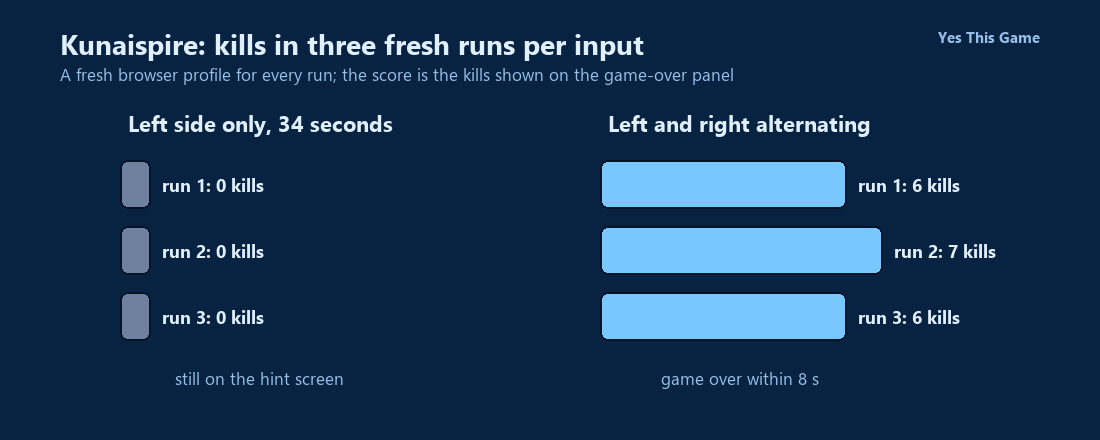
- Tapping only the left half of the screen for 34 seconds left all three runs on the hint screen with 0 kills.
- Alternating left and right taps about twice a second ended all three runs within 8 seconds, with 6, 7 and 6 kills.
- The hint screen shows SHOOT LEFT and SHOOT RIGHT, and the game needs a tap on the right side to begin.
- The game-over panel shows NEW HIGH SCORE with a RETRY button.
The first ninja tower game tip is to tap both sides: in Kunaispire three runs with taps only on the left half never got past the hint screen in 34 seconds, while three runs that alternated left and right ended with 6, 7 and 6 kills. The hint screen waits for the right side too.
How the game works
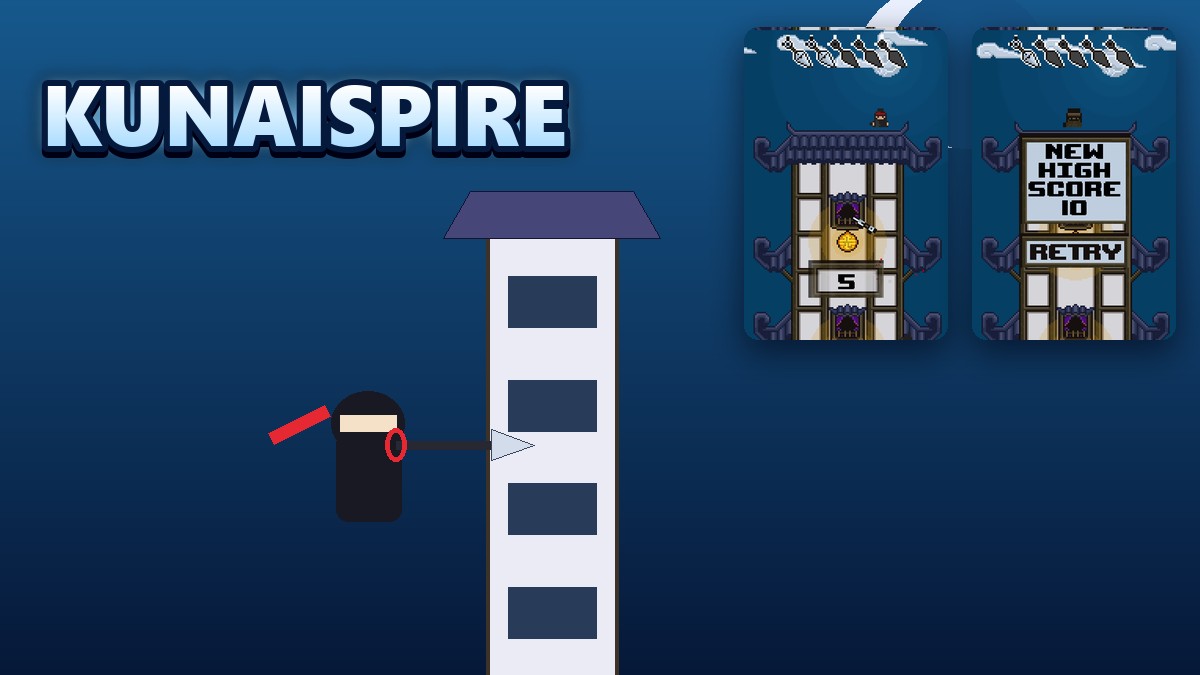
Kunaispire is a pixel-art ninja game. After TAP SCREEN TO START and PLAY, a hint screen shows SHOOT LEFT and SHOOT RIGHT with two hand icons. A ninja stands on top of a pagoda tower and throws kunai to the side you tap, at the enemy ninja climbing the tower. The kill counter sits in the middle of the tower, and a row of five kunai icons is at the top of the screen.
What we measured
We used a test browser at 700 by 900 pixels and a fresh profile for every run, so no saved score carried over. After PLAY we tapped the left side once and then either kept tapping only the left side or alternated left and right every 450 milliseconds, about twice a second. We looked at the screen at 8, 16, 24 and 34 seconds. We made three runs for each input.
| Input | Run 1 | Run 2 | Run 3 | What we saw |
|---|---|---|---|---|
| Left side only | 0 | 0 | 0 | Still on the hint screen after 34 s |
| Left and right alternating | 6 | 7 | 6 | Game over within 8 s |
Three runs per input in one test browser, so this shows what we saw, not a rule. We did not try tapping only the right side, and we did not open the tower menu or unlock a new tower.
What is on the screen
The menu shows HIGH SCORE with the number of kills and a PLAY button, with music and sound buttons at the top left. When a round ends, a NEW HIGH SCORE panel appears with a RETRY button. The game files also hold pictures of other towers with messages such as DEFEAT 50 NINJA TO UNLOCK, but we did not unlock any.
4 tips that follow from the numbers
- Tap both sides. Left-only taps never started the round in 34 seconds.
- Keep a steady rhythm. Alternating about twice a second gave 6 to 7 kills.
- Expect short rounds. Every alternating run ended within 8 seconds.
- Use RETRY. The game shows NEW HIGH SCORE when you beat your best.
Where to try it
Try it yourself in Kunaispire. For another action game with waves of enemies, Smashlane drives a car through zombies.
Frequently asked questions
How do you throw a kunai in Kunaispire?
Click or tap the left or right half of the screen to throw to that side.
What happened when we tapped only the left side?
Three of three runs were still on the hint screen after 34 seconds, with 0 kills.
What happened with alternating taps?
Three of three runs ended within 8 seconds, with 6, 7 and 6 kills.
How do you start a round?
Press PLAY, then tap the right side of the hint screen as well as the left.
Does the game remember my score?
Yes. The menu shows HIGH SCORE with the number of kills.
Does Kunaispire work on a phone?
It is built around taps on the left and right half of the screen, but we tested it with a mouse.