Party game guide
Tag Game Tips for 2 to 4 People on One Keyboard
Key takeaways
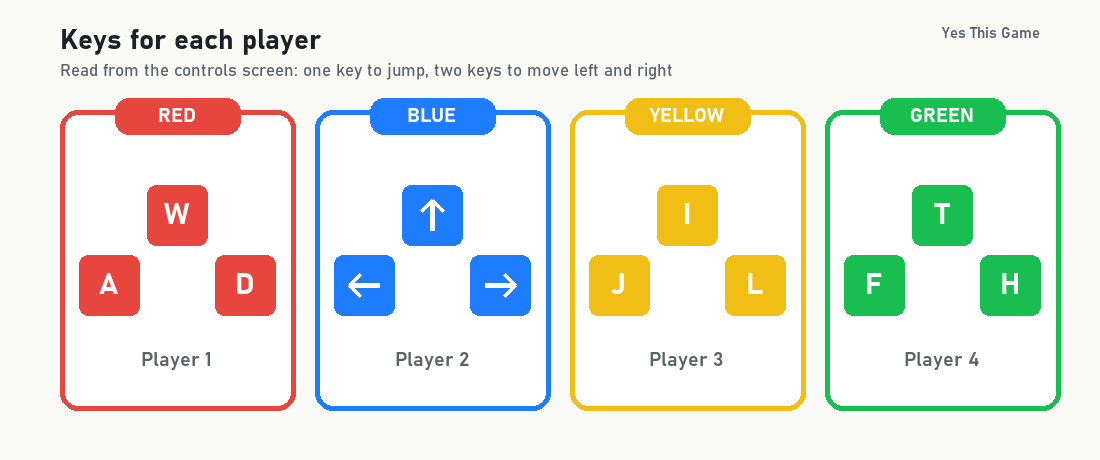
- Four people can share one keyboard: Red uses W, A and D, Blue the arrow keys, Yellow I, J and L and Green T, F and H.
- Game Settings offer round times of 60, 120 and 180 seconds and buffs on or off, and the choice is saved automatically.
- In a 60 second round the counter read 57, 54, 50, 47, 44, 41, 38, 34 and 31 in screenshots taken about three seconds apart.
- With nobody moving, the 120 second round ended at zero with GAME OVER and LOSE over the marked Red fighter.
The first tag game tip is to pick your keys before the round: in Tagnabber four people share one keyboard, with Red on W, A and D, Blue on the arrow keys, Yellow on I, J and L and Green on T, F and H. Rounds last 60, 120 or 180 seconds, and the fighter who still carries the white triangle at zero loses.
How the game works
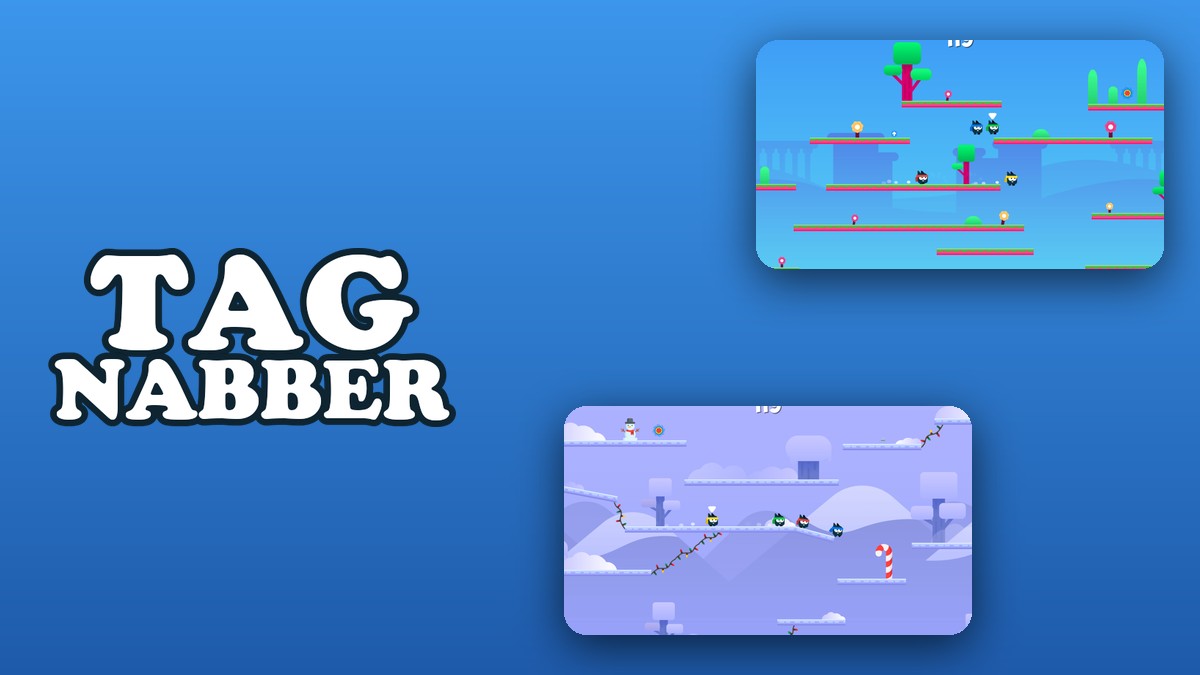
Tagnabber is a tag game for two, three or four people on one keyboard. You pick the number of people on the start screen and then one of three maps. The controls screen shows each person’s keys, you press Start and a countdown begins at the top of the screen. A white triangle floats over the fighter who is marked.
The keys, read from the controls screen
Each fighter has three keys: one to jump and two to move left and right. The game warns that the keyboard has to support the key combinations, because several people press keys at once.
| Fighter | Jump | Left | Right |
|---|---|---|---|
| Red | W | A | D |
| Blue | Up arrow | Left arrow | Right arrow |
| Yellow | I | J | L |
| Green | T | F | H |
Round settings
On the map screen, Game Settings has two choices: buffs on or off, and a round time of 60, 120 or 180 seconds. The screen says the settings are saved automatically. In a fresh browser we saw buffs off and 120 seconds selected. When we switched buffs on, a small blue arrow pickup floated above a platform during play.
The timer in a 60 second round
We chose 60 seconds, started a two-person round and took screenshots about three seconds apart. The counter read 57, 54, 50, 47, 44, 41, 38, 34 and 31, so it counts down one number per second. The camera zoomed out to show the whole island while the fighters were far apart and zoomed in when they were close.
What happens when nobody moves
In one test we pressed no keys at all in a 120 second round. The two fighters stayed together, the counter ran to zero and the screen said GAME OVER with RESTART and QUIT. The right half showed LOSE over the Red fighter, who carried the white triangle.
4 tips that follow from the numbers
- Agree on keys first. Each colour has three keys, so four people fit on one keyboard.
- Pick the round length before you start. You can choose 60, 120 or 180 seconds in Game Settings.
- Never stand still. With nobody moving, Red kept the triangle for the full 120 seconds and lost.
- Watch the wide view. The camera pulls back when fighters are apart, so the whole island shows where everyone is.
Where to try it
Try it yourself in Tagnabber. For more fast games, Dunkhead is a basketball game and Plungetower is a one-tap arcade game.
Frequently asked questions
Which keys does each person use in Tagnabber?
The controls screen shows Red on W, A and D, Blue on the arrow keys, Yellow on I, J and L and Green on T, F and H.
How long is a round?
Game Settings offer 60, 120 or 180 seconds. A fresh browser started with 120 seconds and buffs off.
What happens when nobody moves?
In our test with no keys pressed the counter ran to zero, the screen said GAME OVER and LOSE appeared over the Red fighter who carried the triangle.
Does the timer run at normal speed?
In a 60 second round our screenshots, about three seconds apart, read 57, 54, 50, 47, 44, 41, 38, 34 and 31.
How many maps are there?
Three: a grass island, a snow island and a desert island. The desert map starts straight away with no video.
Does Tagnabber work on a phone?
It is built for keyboard keys, so it plays best on a computer; our version asks you to turn an upright phone sideways.